
AVIF to JPG Converter
Convert modern .avif images to universal JPG format. Batch processing, on-device privacy, zero uploads.
Drop your AVIF images here, or browse
🔒 100% on-device processing • Images never leave your computer
Convert it

Quality vs Size Impact
Drag the center handle to inspect sharpness. Adjust quality slider above to control output compression.
How to Convert AVIF to JPG in 3 Easy Steps
A simple, secure process that works entirely in your browser.
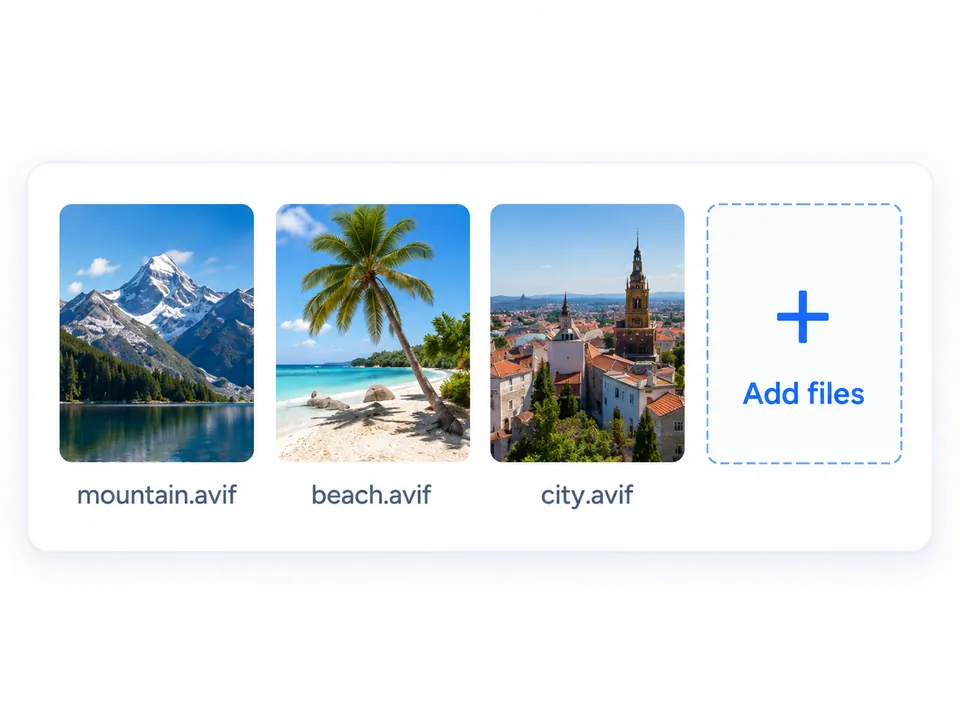
Upload AVIF Files
Drag and drop single or multiple AVIF images, or click to select multiple files.
Adjust Output Quality
Choose the balance between file size and image quality. Conversion stays on your device.
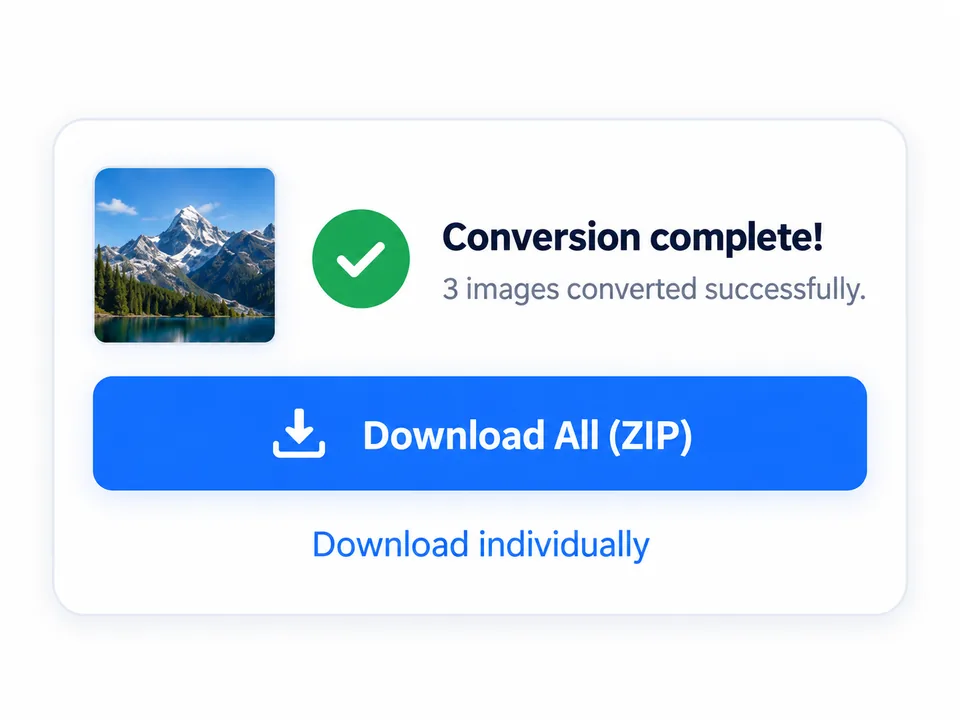
Download JPGs
Convert instantly and download your JPG images individually or as a ZIP file.
Why Convert AVIF to JPG?
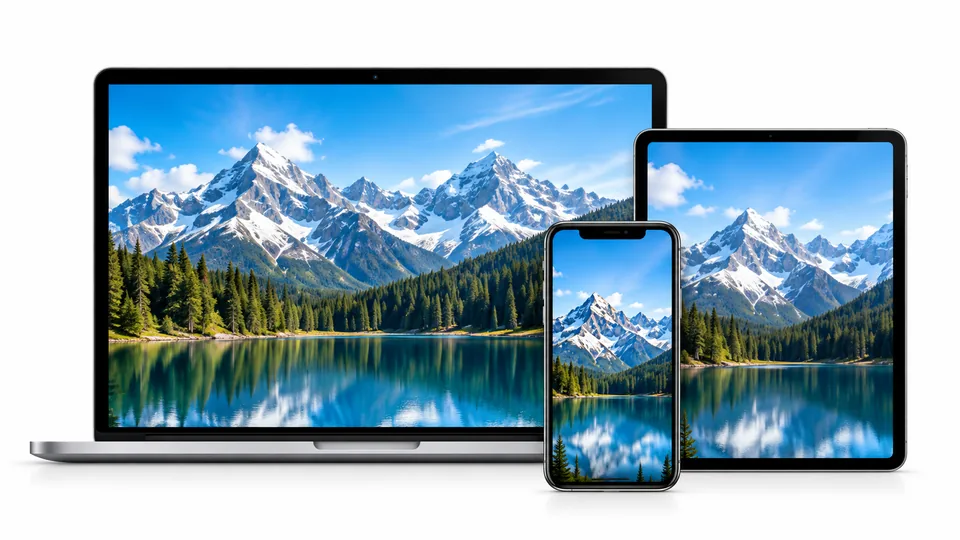
Open Everywhere
Many downloaded .avif files fail to open on older devices, default Windows photo viewers, and legacy systems. Converting your images to universal JPG ensures they can be previewed immediately anywhere without downloading extra codecs or media extensions.
Easier Sharing
JPG is easier to share and upload across everyday platforms. Avoid bounced email attachments, rejected website forms, and failed uploads in chat apps or word processors caused by unsupported .avif formats.
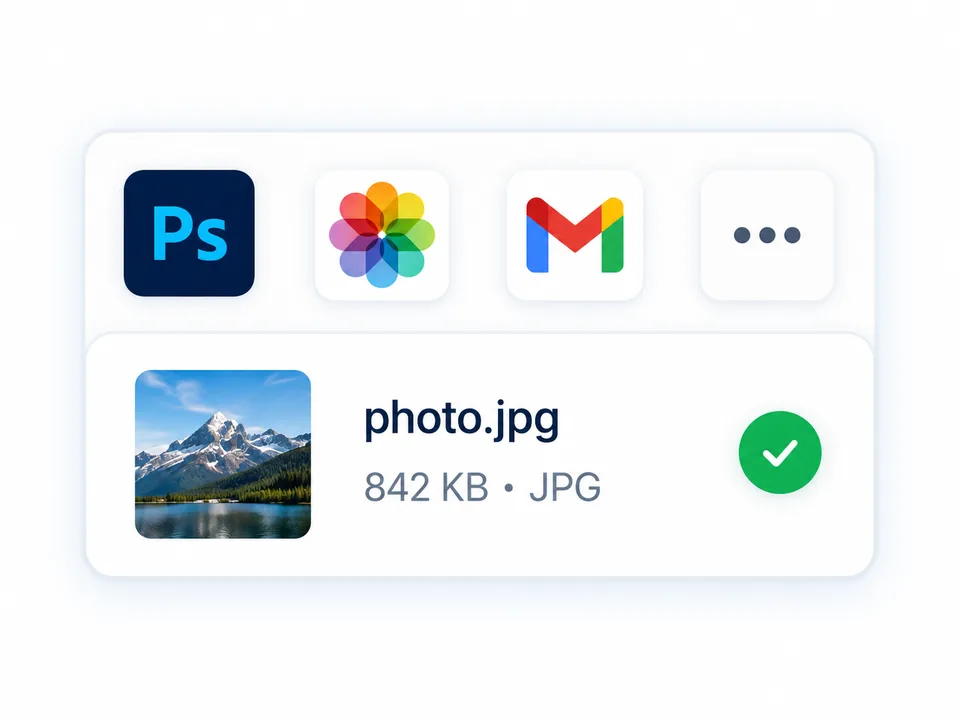
Professional Workflow
Some older software versions and creative production workflows work much better with standard JPG formats. Converting web downloads to clean 24-bit JPGs lets you drop assets straight onto active artboards and editing suites without decoding errors or format warnings.
Your files stay on your device
All conversion happens locally in your browser. Your images are never uploaded to any remote server or cloud database. Because files are decoded directly in client-side memory using standard Web APIs, your personal photos remain private, secure, and entirely under your control.
Enjoy complete peace of mind: no image tracking, no image logging, and your files never leave your device.
No uploads • No server queues • No image tracking
Everything you need, nothing you don't.
Local Processing
Runs in your browser using modern Web APIs. Zero network latency and zero waiting queues.
Absolute Privacy
Files never leave your computer. Images are never collected, logged, or shared.
Batch Conversion
Drag up to 30 images at once and download everything neatly packaged into a clean ZIP file.
Simple & Free
No account registration, no subscriptions, no email collection, and no forced watermarks.
A few important details.
Batch & ZIP Packaging
Convert up to 30 files and download all JPGs bundled into a single organized ZIP package.
Transparency filled with white
Standard JPG lacks alpha channels. Transparent areas automatically fill with a clean white backdrop.
Clear error handling
Unsupported or damaged files show a clear message without stopping the rest of your batch.
AVIF vs. JPG: Side-by-Side Comparison
| Feature | AVIF (.avif) | JPG (.jpg) |
|---|---|---|
| Compatibility | Modern browsers only | 100% Universal |
| Compression Efficiency | Superior (Next-gen codec) | Standard |
| Transparency | Supported (Alpha channel) | Not supported (fills white) |
| HDR Color Depth | 10-bit / 12-bit | 8-bit standard |
| Best For | Web delivery speed | Universal viewing, sharing & editing |
Got questions? We've got answers.
Why won't my AVIF file open on Windows or Mac? +
AVIF is a newer image format. Older operating systems and default photo viewers lack built-in AV1 decoders. Converting your file to JPG ensures it opens instantly in any photo viewer.
Are my images uploaded to any server? +
No. All conversion operations execute 100% locally inside your web browser. Your files are never transmitted to any external server or saved in the cloud.
Will converting AVIF to JPG make the file smaller? +
Usually not. AVIF is fundamentally a more efficient compression format. The primary goal of converting AVIF to JPG is solving compatibility problems across devices and apps, not reducing file size.
Can I batch convert multiple AVIF files at once? +
Yes, you can drop up to 30 AVIF images simultaneously. Once converted, you can download all JPG files together packaged in a convenient ZIP file.
Why does a transparent AVIF get a white background? +
The JPG format does not support transparency (alpha channels). Transparent areas in your source AVIF files will automatically fill with clean white.
Is this conversion tool completely free? +
Yes, it is completely free to use with no account registration, subscriptions, or forced watermarks.